04
DEFINE
Created a user persona for my interviewee with her thoughts on the feature.
PRODUCT DESIGN · MOBILE EXPERIENCE
Elderly users lacked a clear way to assess and track their confidence in managing diabetes, making it difficult to identify knowledge gaps and tailor education to their needs.
I designed a confidence assessment feature tailored for elderly users in a mobile diabetes education app, applying WCAG accessibility standards to increase task completion among older adults by 15%.
Timeline: 2 Months
Role:
UX Research, UX/UI Design, Usability Testing, User Interviews
Team:
Solo UX/UI Designer
Tools:
Figma, Figjam


15%
25%
User confidence improved by
task-completion gain across testing
OVERVIEW
What is Thrive Education?
Accessible diabetes education.
Personalized learning with one-on-one support.
A
B
Thrive’s Competitors
Before working on this feature, I began to do some competitive analysis on a few apps for patients tracking and learning about diabeties.
RESEARCH METHODOLOGY
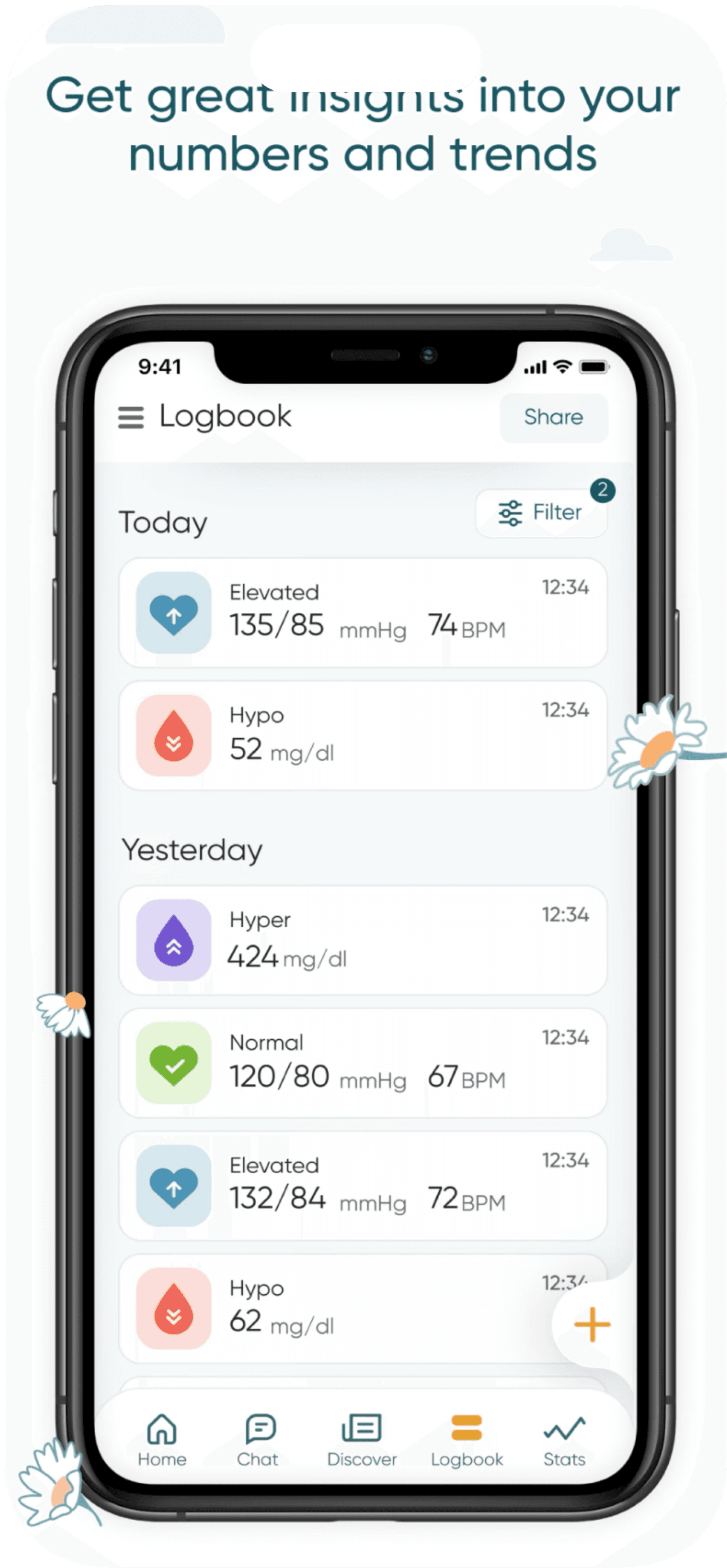
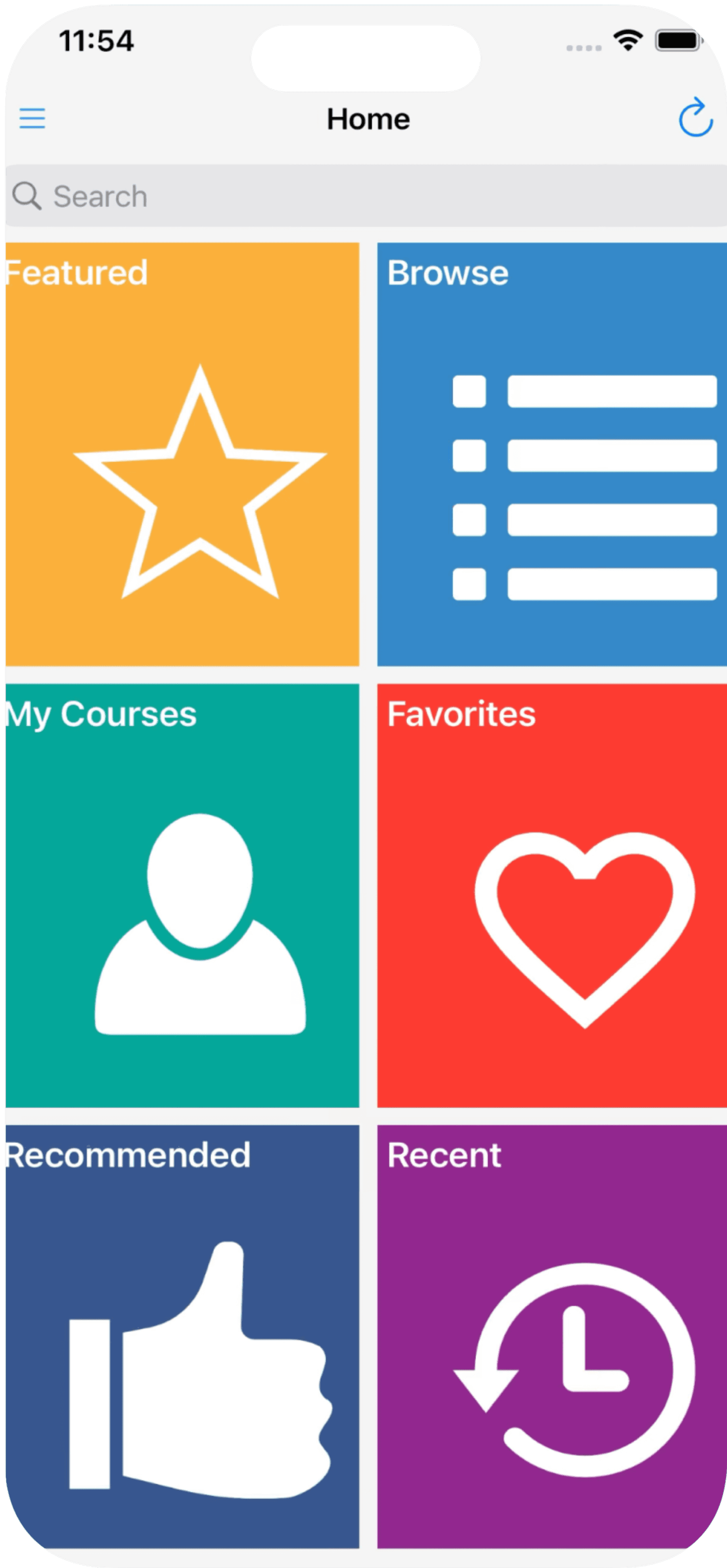


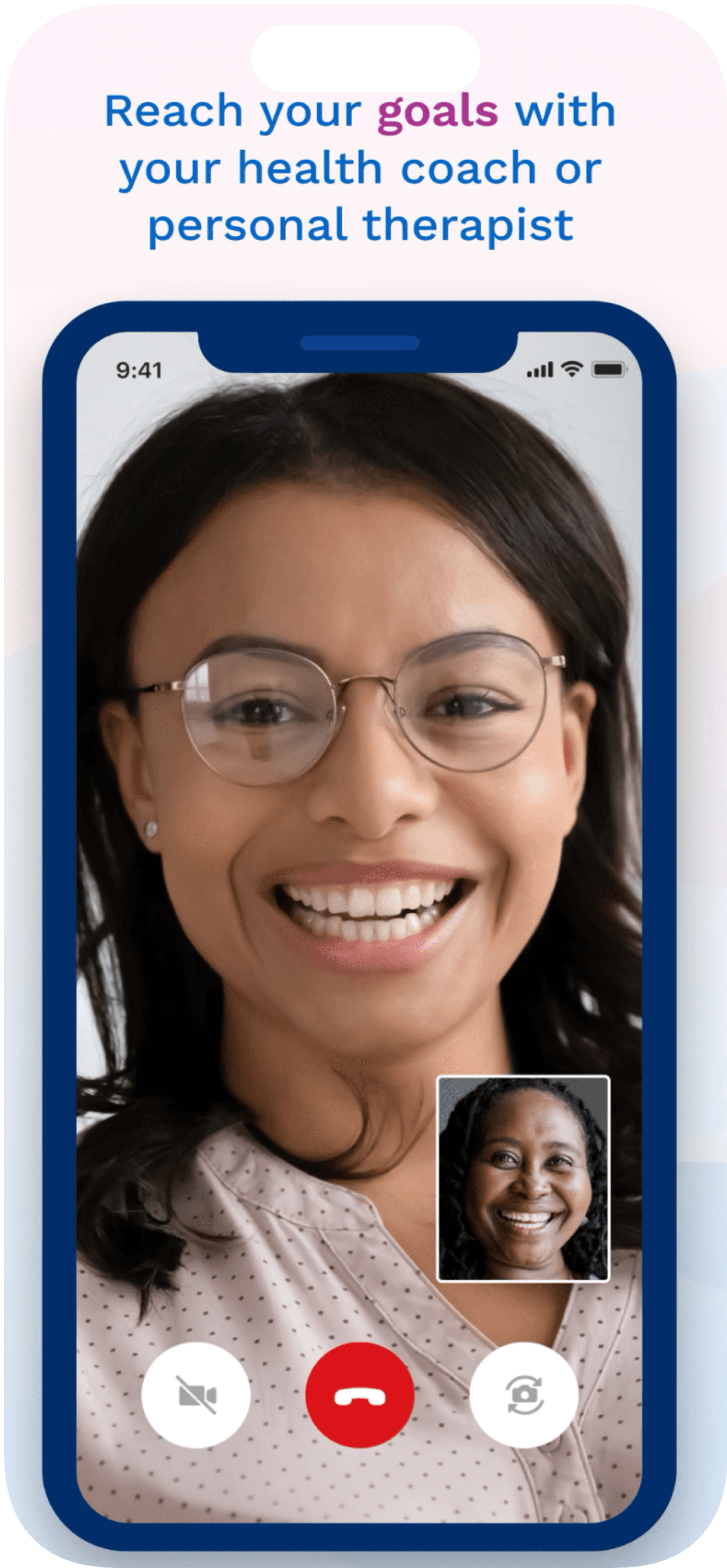

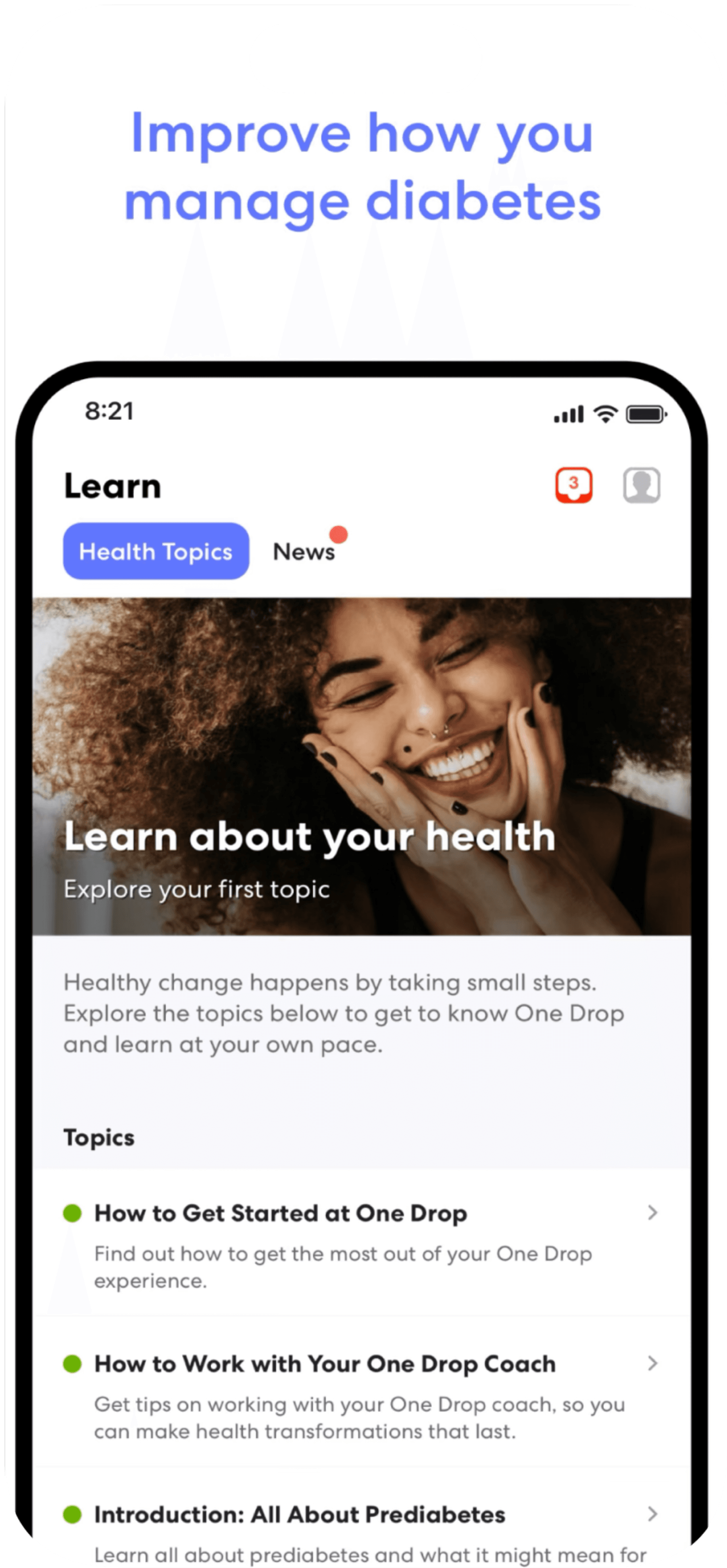
After observing our competitors, I noticed that Thrive lacks a method to gauge patient confidence. We aim to ensure our patients are completing quizzes at the appropriate skill level.
DISCOVERIES
New Feature
THE GOAL
To enhance our understanding of the relationship between patients with diabetes and their physicians, we aim to develop a tool to assess patients’ confidence in their knowledge of diabetes.
Nearly
people ages 65 and older has diabetes
1/3
Target Audience
This new feature will be designed to be simple and easy to use, recognizing that diabetes is more prevalent among elderly individuals.
My Design Process
I decided to use the standard design process to get to the bottom of creating this feature.
PHASES OF ITERATION
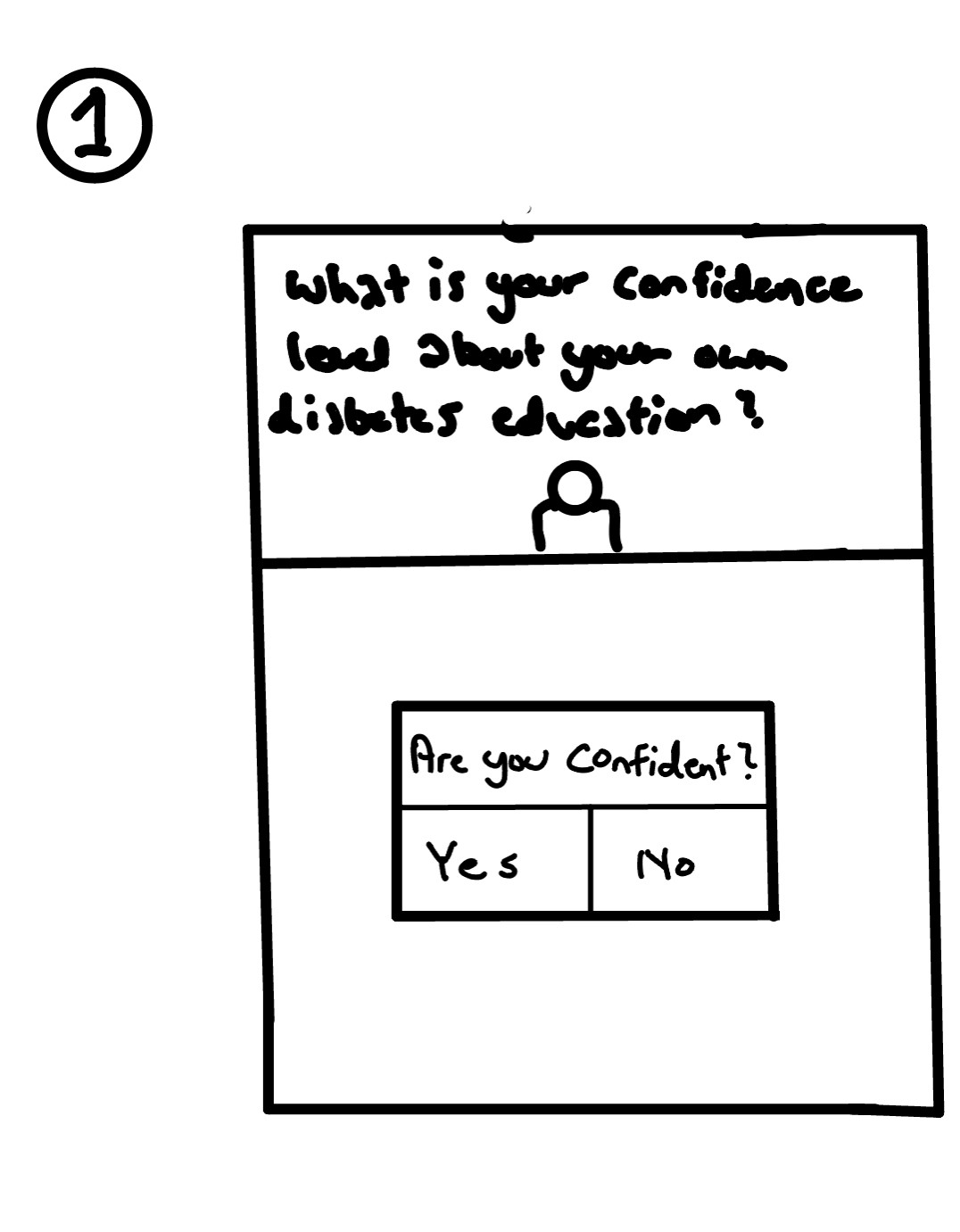
01 / POP-UP SURVEY
A quick click worked, but the interaction did not give users enough nuance or confidence.
02 / SMILEY FACE SCALE
The face scale added warmth, but the visual language risked making the experience feel less credible.
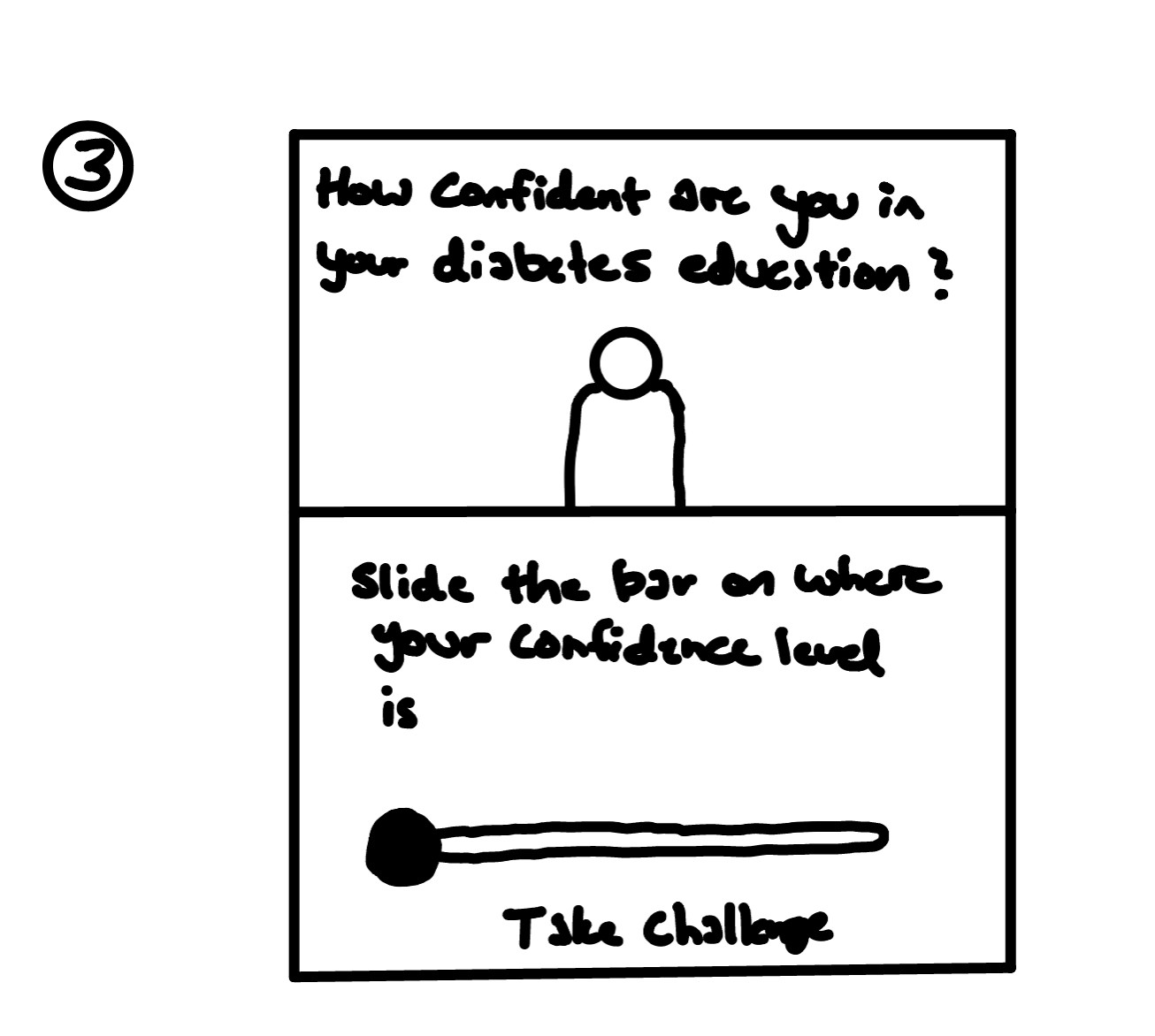
03 / SLIDER BAR
A slider gave users control, but without a number the result was difficult to interpret or compare.
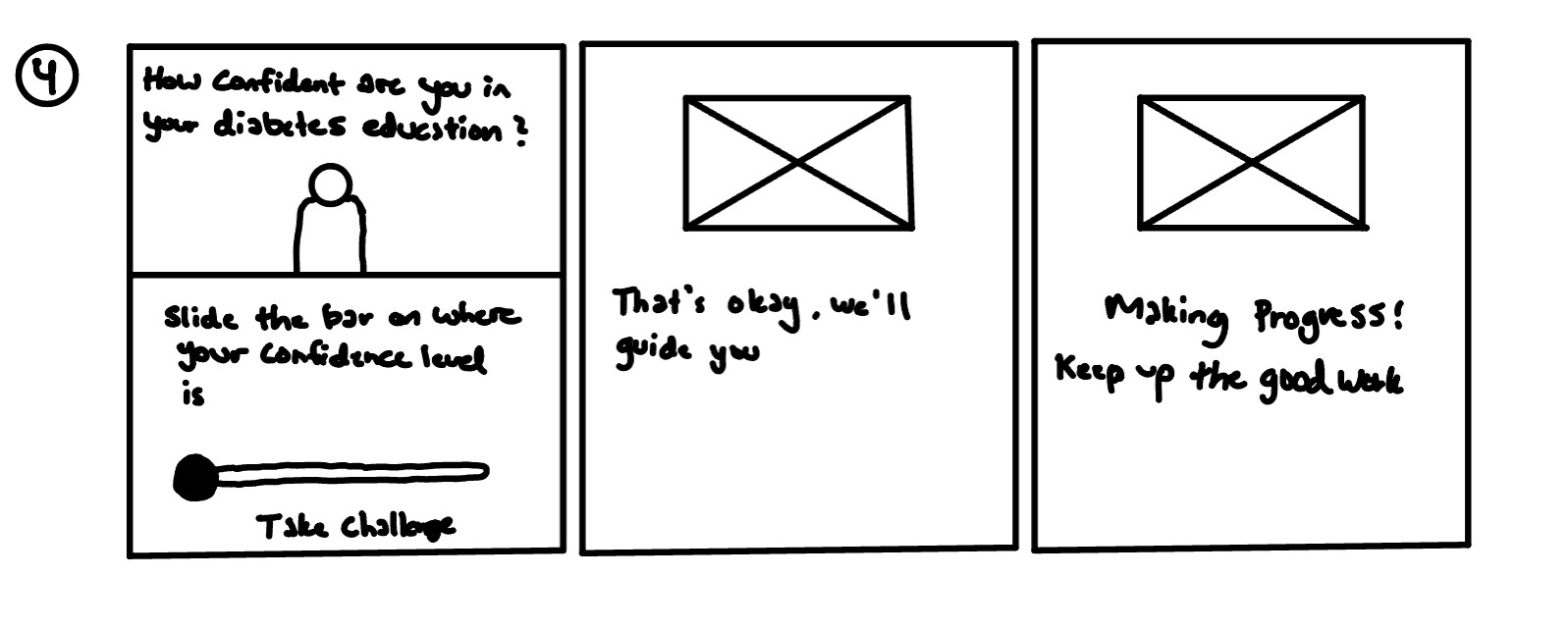
04 / UPDATED SLIDER
A clearer number, message, and visual system gave the team a confident direction to carry into the final design.

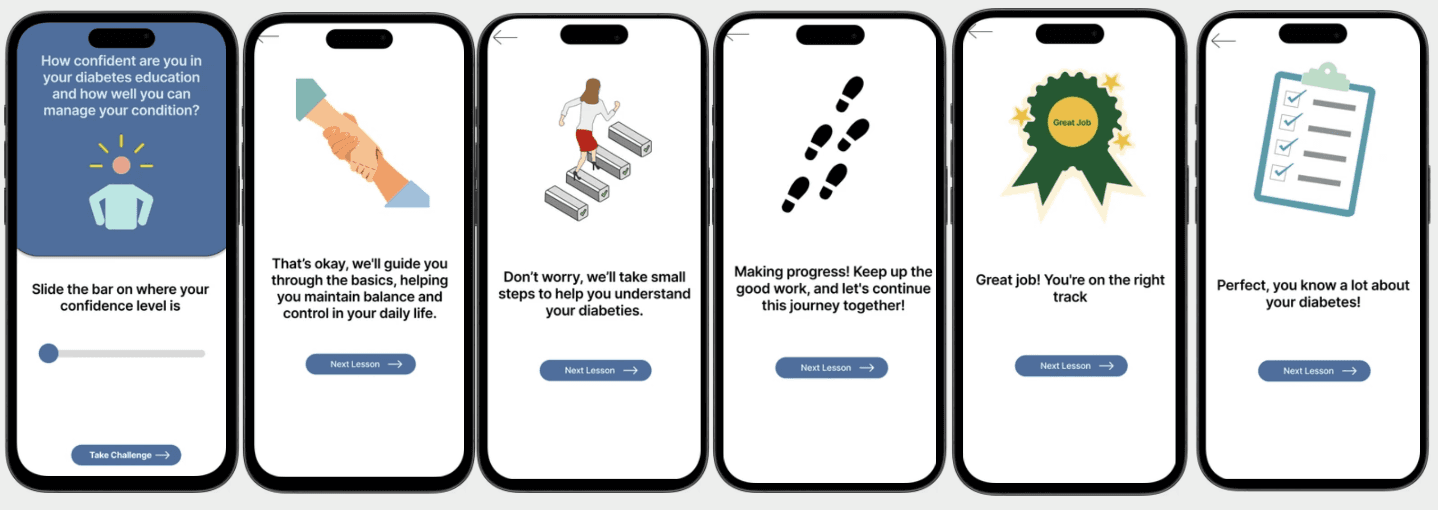
“Confident” Screen
“Very Confident” Screen
Final Screens
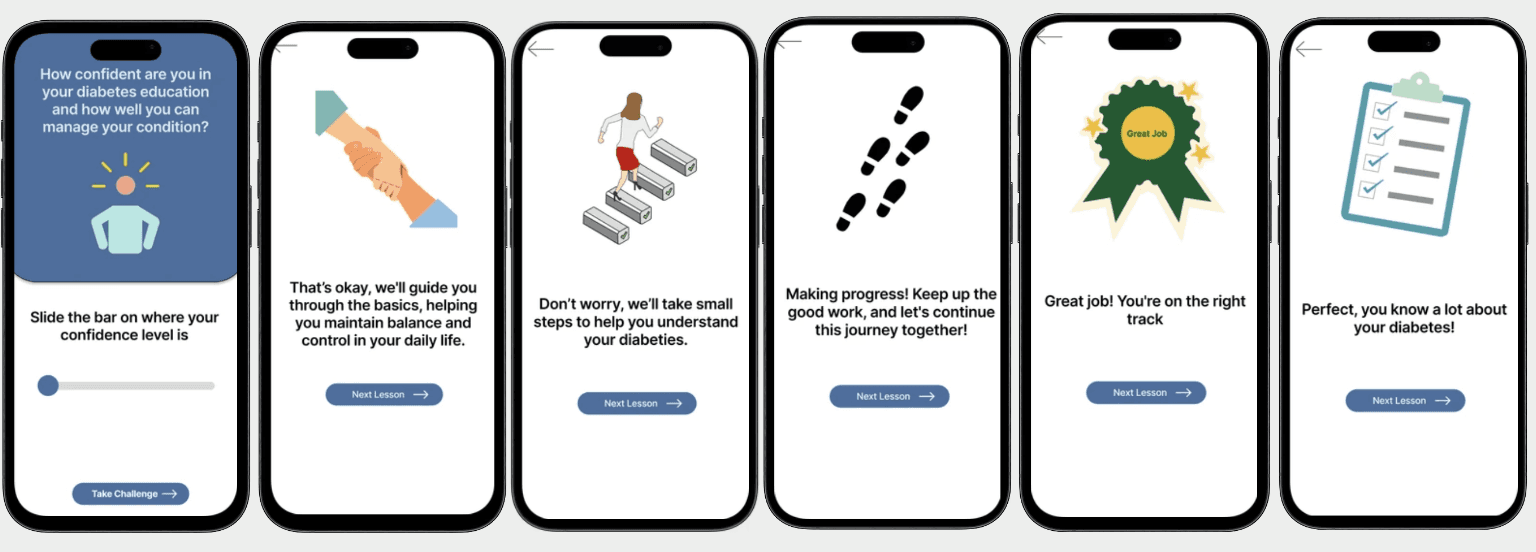
For each image, I correlated it to the given message to give a better visual to the users.
FINAL PRODUCT

A
The slider matched the product’s visual language.
B
Patients and doctors get a clearer read from the interaction.
C
Fine-grained input reduced mis-clicks and made the signal easier to trust.
PARTICIPANT PROFILE

57 · Housewife · Dallas · Type 2 diabetes
20+ years managing diabetes. Not tech-savvy, but motivated to learn and manage her health independently.
WHAT WE HEARD
10+ years managing Type 2 diabetes. Not tech-savvy. Tried tracking apps, but wanted clearer education and a simpler way to understand progress.
DESIGN IMPLICATION
The slider became a bridge between a patient’s feeling and a team’s next decision.
PARTICIPANT PROFILE

Engineer · Dallas · Type 1 diabetes · 15+ years
Not tech-savvy, but wants straightforward tools that make diabetes management easier to understand.
WHAT WE HEARD
John had tried several apps, but wanted an experience that explained his progress without adding complexity or forcing him to learn a new system.
DESIGN IMPLICATION
The slider needed a clear number and a clear message so the patient could trust what the result meant.
05/Reflection and Next Steps
After creating the slider and getting input from my family friend. The few things I want to improve on the slider is to add a number above the slider to indicate what level of confidence you are at. Instead of numbers, I could add labels with wording such as “Not Confident” and “Very Confident”.
Accessibility was something I should’ve improved on. Adding a voice that would name the labels while sliding the bar would be helpful for people who are visually-impaired. Even highlighting the slider could help see the visual better.
More Features to the Slider
Addressing Accessiblity
BISCUIT BEACON